


Multi-Tenant Exam Management Platform for Aviation Training
Timed eExams, question banks and paper workflows for EASA Part-66 / Part-147 organisations
Visit websiteExpertise
 Web applications
 Mobile apps
Client

Total Training Support Ltd (UK)
Client testimonial
Over the past 25 years, we’ve worked with numerous IT companies and freelance developers on our web applications and software projects. Our experience has ranged from excellent to deeply disappointing. We decided to switch the development of one of our key applications to Outsourcify after a change in project…


See all testimonialsOver the past 25 years, we’ve worked with numerous IT companies and freelance developers on our web applications and software projects. Our experience has ranged from excellent to deeply disappointing. We decided to switch the development of one of our key applications to Outsourcify after a change in project…
For Total Training Support Ltd, a UK company specialised in regulated aviation maintenance training (EASA Part-66 / Part-147), Outsourcify designed and built QB Generator, a complete exam management platform: a multi-tenant web application built with Nuxt on a Symfony and MySQL API, paired with native tablet applications distributed on the Google Play Store and Apple TestFlight. The system covers the full life cycle of an examination — from question bank management to timed candidate eExams and printable paper exam packs.
Results
Challenge
Aviation maintenance examinations are strictly regulated: every question must be traceable to its source manuals, devices used during exams must be registered and controlled, and both online and paper-based sessions have to follow auditable procedures. The platform also had to serve several training organisations at once — each with its own subdomain, question banks, sessions and statistics — without any data crossing tenant boundaries. And because entire classrooms authenticate within the same few seconds, the infrastructure had to absorb sharp login spikes without ever disrupting a running exam.
Solution
We built three distinct interfaces on a multi-tenant architecture: a Candidate portal for timed eExams, an Organisation Admin panel and a Platform Admin console. Candidates can log in up to 30 minutes early and wait on a countdown until the administrator starts the session; answers are stored locally on the device and only cleared once the server has confirmed receipt, so a network drop never loses an exam. Administrators manage question banks with a LaTeX equation editor and an in-browser image cropping tool, attach up to three training manual page references per question — essential for Level 3 assessment, which requires synthesising several sources — and generate either online eExams or print-ready paper packs with bubble answer grids, attendance sheets, regulatory form-number footers and Avery label printing. Syllabus terminology is fully customisable (Modules–Subsections, Types–ATA Chapters and more), a single session can group several classes, and an advanced KPI dashboard tracks real-time activity and results. Security rests on mandatory device registration (with bulk Excel import), single concurrent logins, per-organisation IP whitelisting, automatic admin account lockout and SafeExamBrowser / Fully Kiosk configurations for locked-down exam environments. The Platform Admin console provisions tenant organisations with their own branding and civil aviation authority logos, master datasets and syllabus templates, targeted announcements and a translation matrix covering English, Thai, Italian and Bahasa. A dedicated infrastructure upgrade — a tripled database connection ceiling and password verification tuned to run four times faster — keeps exam sessions smooth with more than 60 examinees online at once.
Tools
Nuxt, Symfony API, MySQL, Flutter tablet apps (Play Store / TestFlight), SafeExamBrowser
Tools
Nuxt, Symfony API, MySQL, Flutter tablet apps (Play Store / TestFlight), SafeExamBrowser
Team members involved
 Kwanruedee SchneiderManaging Director, Founder & CEO
 Benoit SchneiderTechnical Director, Founder & CTO
 JayProject Manager / Project Coordinator
 OntQA Team Manager
 JasmineProject Manager
 LouisonProject Manager & Full Stack Web Developer
 TopFullstack Web Developer
 MiroArchitect & Lead Web Developer
 SunMobile Developer
 IdeaMobile Developer
 BestFrontend Web Developer
 NickFullstack Web Developer
 BenjaminProject Manager & Full Stack Web Developer
Exam Generation Down to the Question
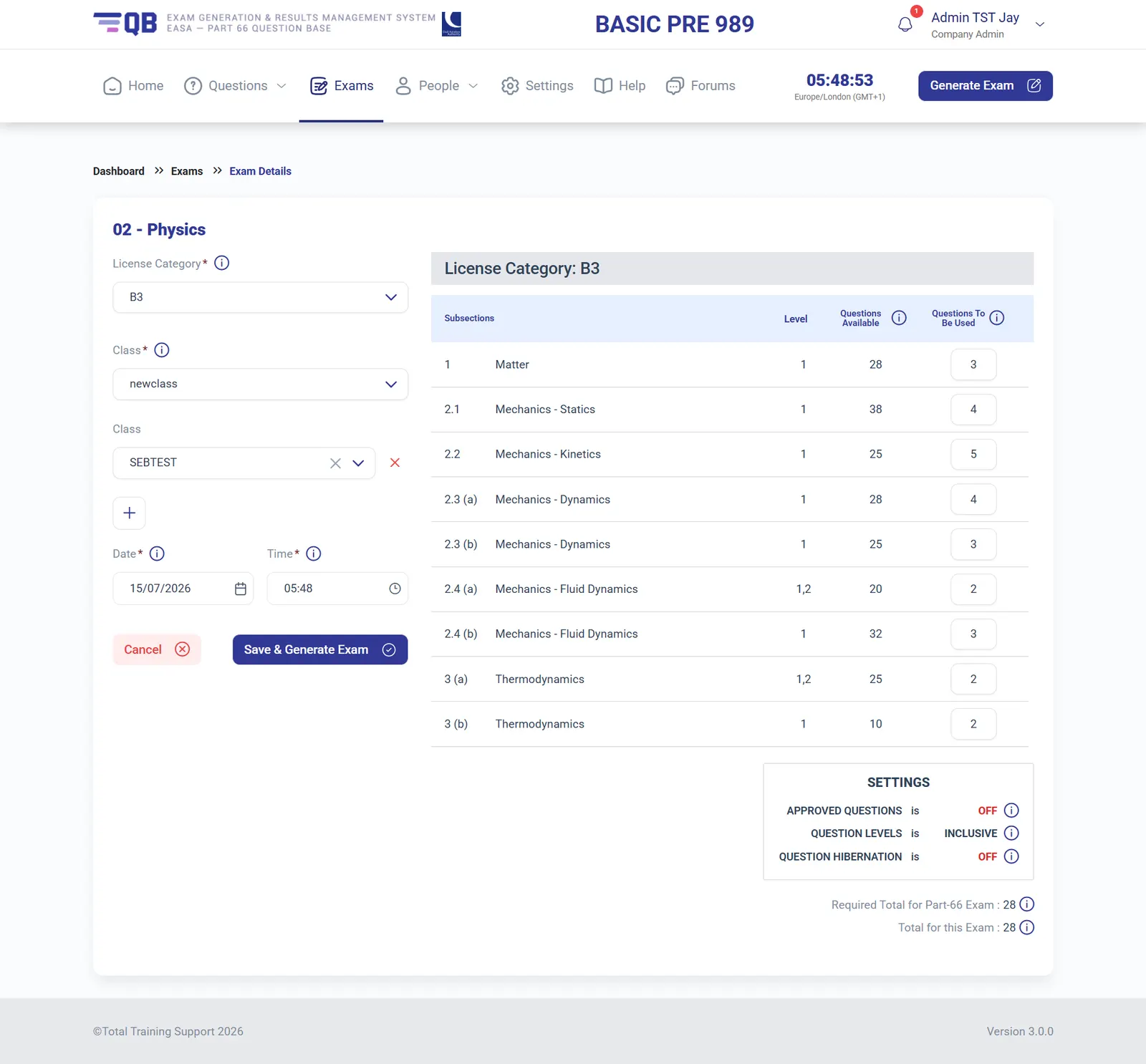
Building a regulated exam takes one screen: pick the module, the licence category and one or several classes, and set how many questions to draw from each subsection — each showing its available pool and syllabus level. The engine validates the total against the official Part-66 requirement as you type, and per-exam settings control whether only approved questions are used, how question levels combine, and whether question hibernation rotates the whole pool before any question repeats. The same definition produces an online eExam or a print-ready paper pack with bubble answer grids, attendance sheets and regulatory form-number footers.
A Question Bank Built for Traceability
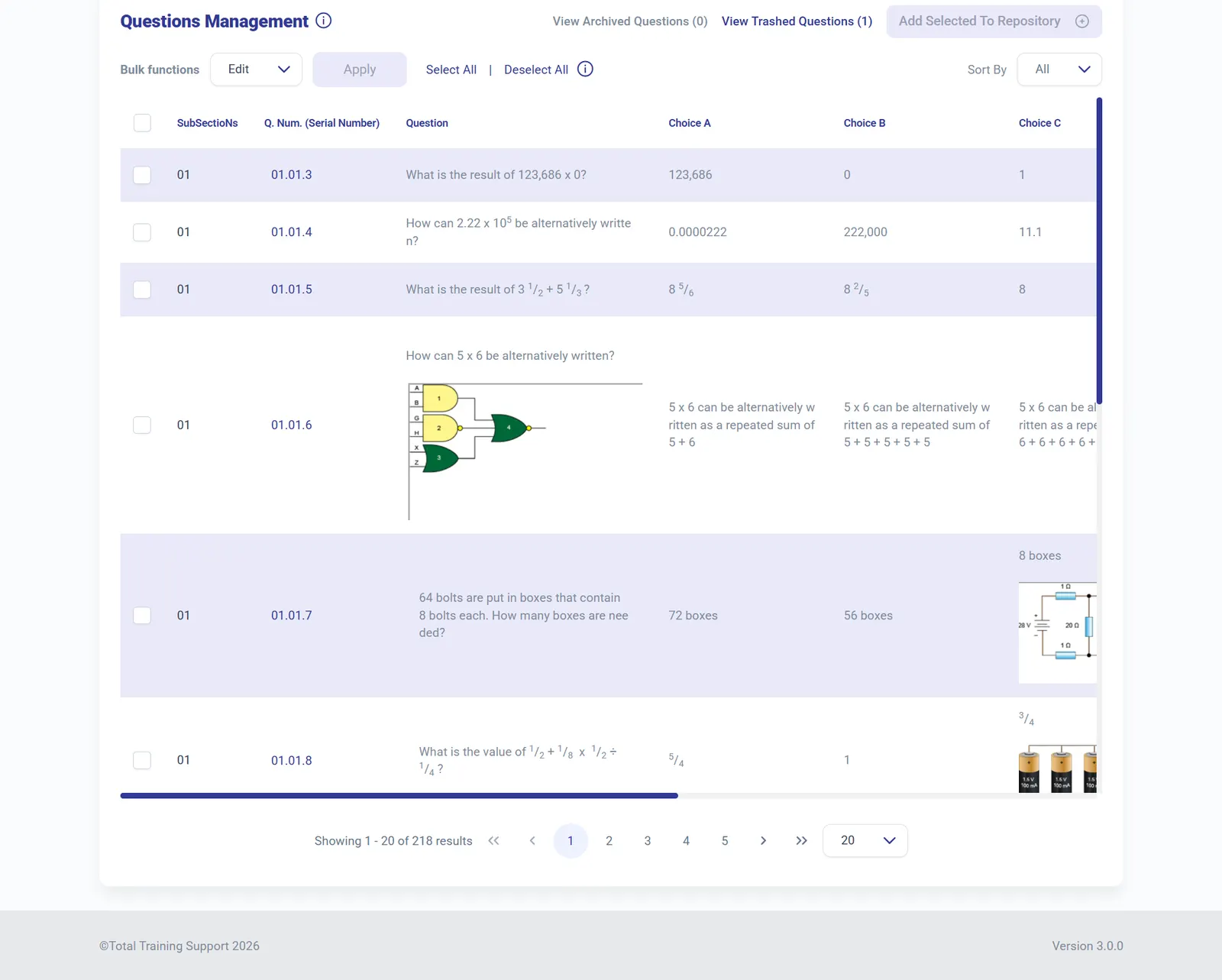
Each module's bank supports full CRUD with search by word, serial number or subsection, bulk CSV imports, and archive and trash workflows. Questions carry rich content — mathematical notation composed in a LaTeX equation editor popup, diagrams and photos formatted with an in-browser cropping tool — and up to three training manual page references per question, the traceability EASA Level 3 assessment demands. A repository workspace lets admins curate a hand-picked selection, print it, export it to CSV or turn it directly into an exam.
Live Exam Control & Results per Question
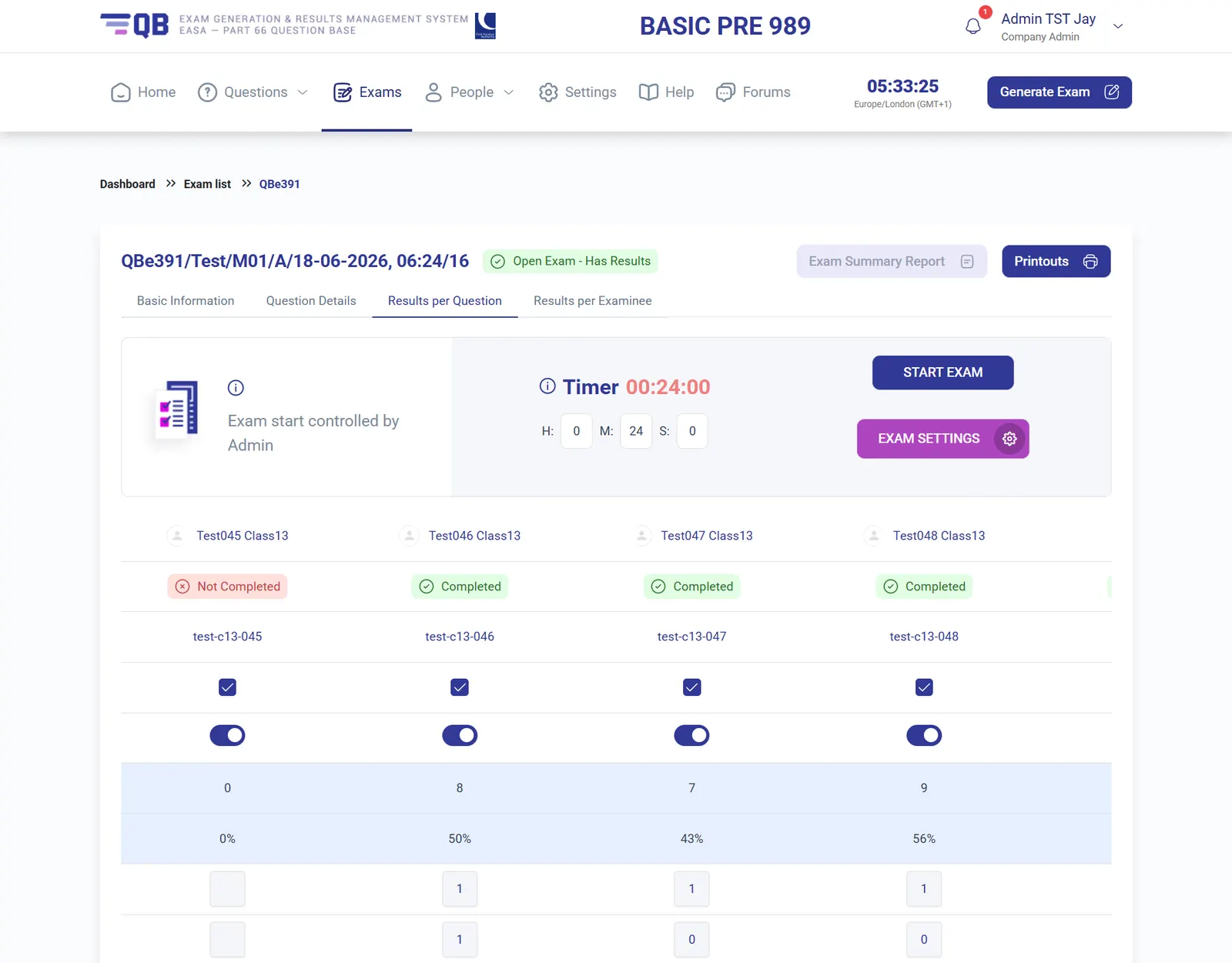
Exam day runs on rails: candidates log in early and wait on a countdown while the start stays under admin control, and the persistent timer follows the session from first to last minute. Results appear per examinee and per question — a correctness matrix that exposes at a glance which questions a class failed, feeding scores of 0 to 100% per candidate alongside completion status. Answers are stored on the device until the server confirms receipt, so a network drop never loses an exam, and summary reports and printouts document the session for auditors.
Registered Devices & Locked-Down Exams
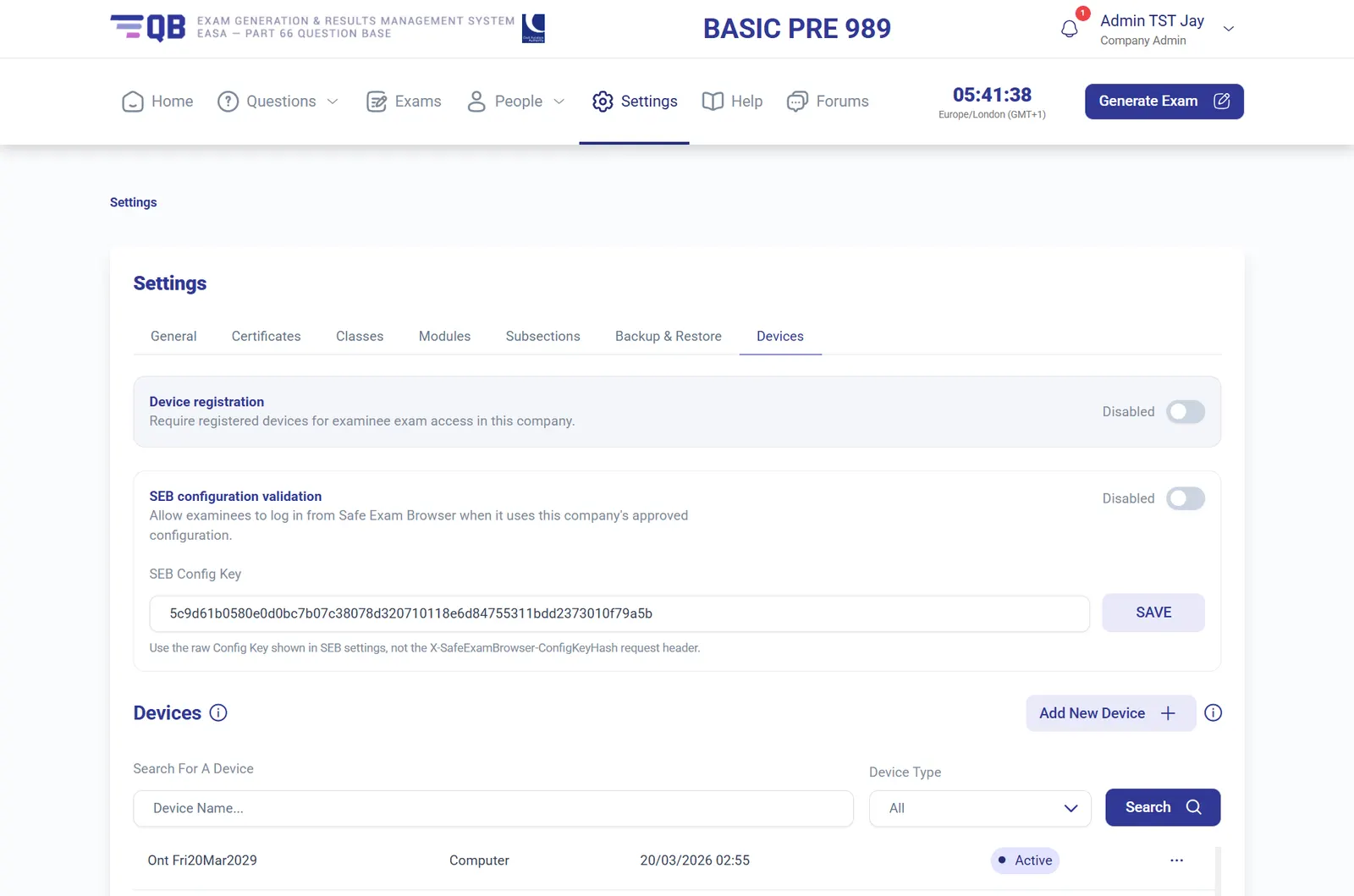
Security settings live with each organisation. Device registration restricts exam access to approved computers and tablets — managed one by one or through bulk Excel imports — while SafeExamBrowser config-key validation ensures examinees connect only from the company's approved locked-down browser configuration, with Fully Kiosk covering Android tablets. Per-organisation IP whitelisting, single concurrent logins and automatic admin account lockout after failed attempts complete the perimeter around every exam session.
KPI Dashboards & Audit Trails
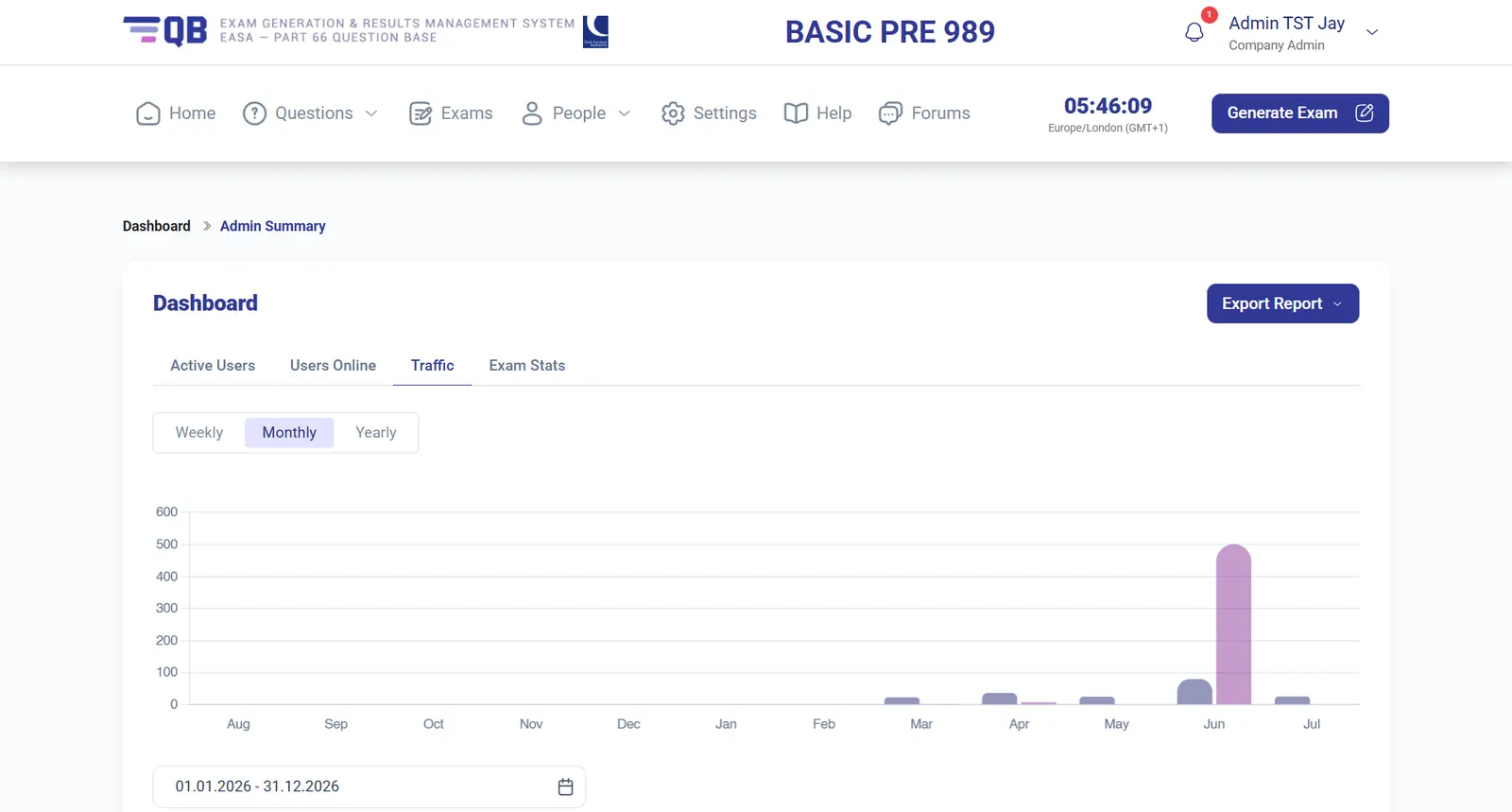
An advanced dashboard tracks the platform's pulse: real-time active users, users online, exam statistics and traffic charted weekly, monthly or yearly over any date range, with one-click report exports. Below the graphs, complete admin and examinee log-in histories give training organisations the audit trail their regulators expect — who connected, when, and around which exam sessions — without leaving the browser.
A Multi-Tenant Platform Console
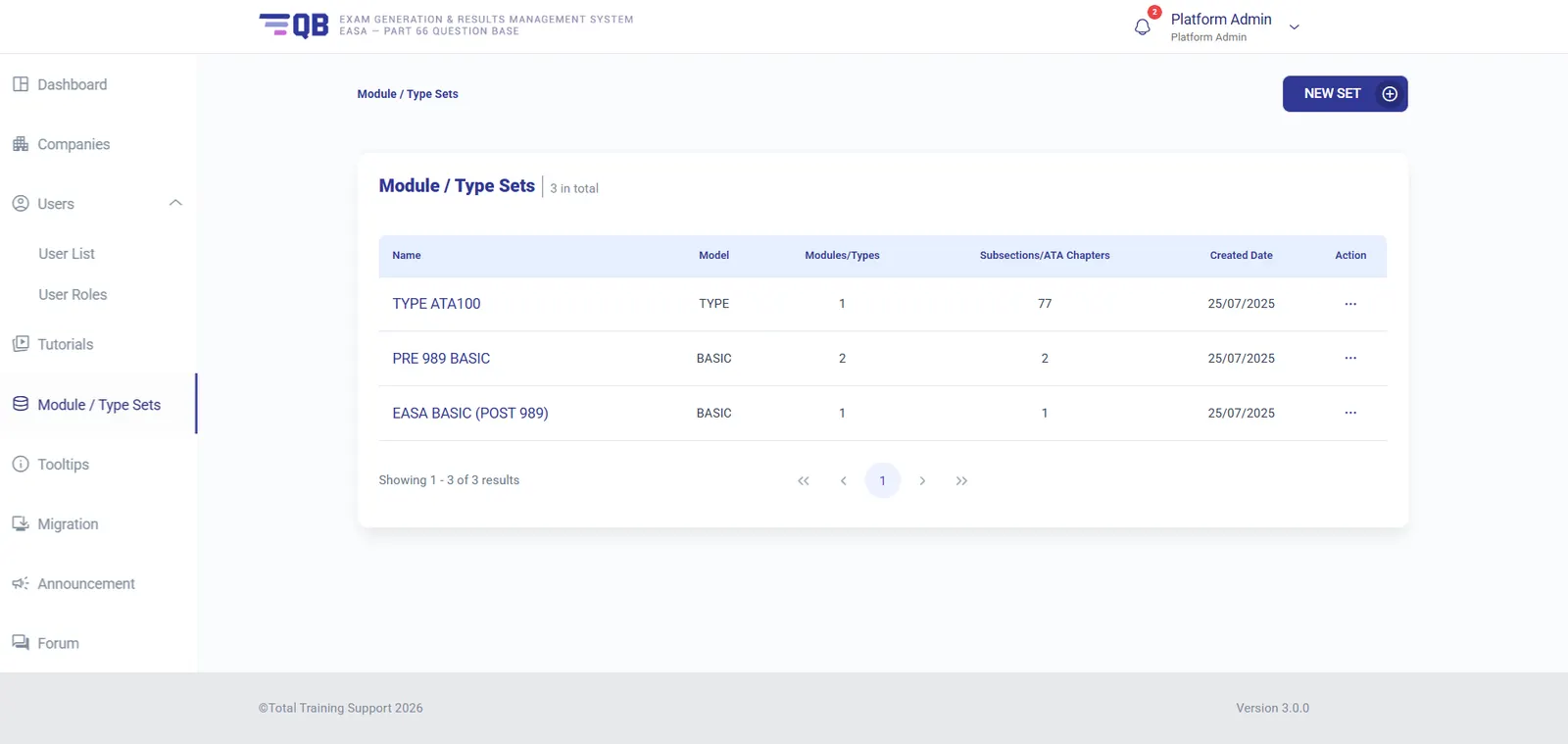
A separate Platform Admin console provisions each training organisation as an isolated tenant on its own subdomain, with its logo and civil aviation authority branding propagated across screens and printable PDFs. Master module and type sets — such as pre-989 and post-989 basic syllabus matrices or an ATA100 type set spanning 77 chapters — seed new tenants with ready-made syllabus structures, while targeted announcements reach all companies or just one, and a translation matrix maintains the interface in English, Thai, Italian and Bahasa.
A Native Tablet App for Exam Day
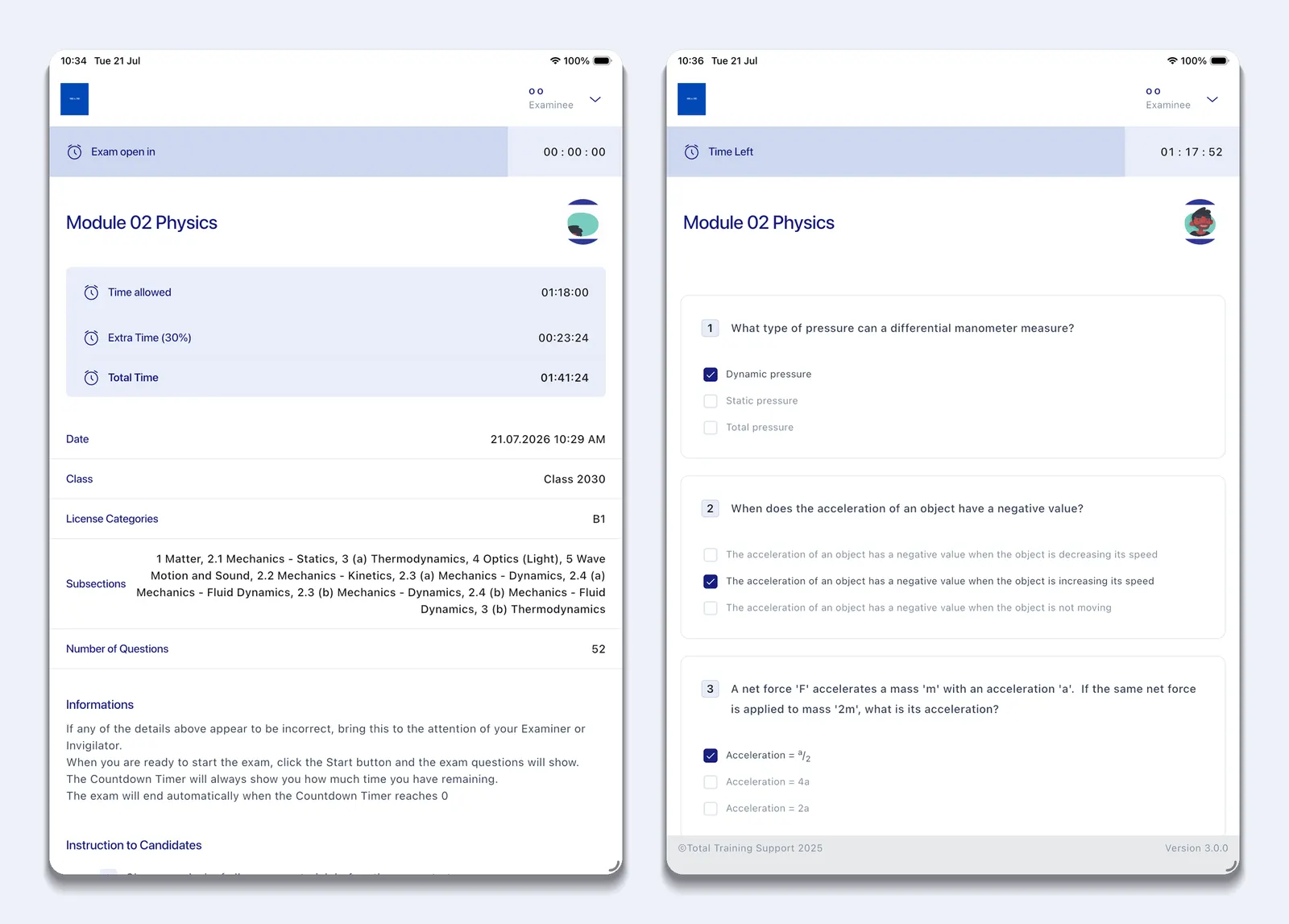
Candidates sit their exams in a dedicated native tablet app, distributed on Android through the Play Store and on iOS via TestFlight. Sign-in accepts a username and password or a scanned QR code, then an exam cover sheet confirms every detail before the clock starts — module, class, licence category, subsection breakdown, question count and the time allowed, including any accessibility extra time (30% here). A persistent countdown follows the whole session, answers are held on the device until the server confirms receipt so a dropped connection never loses an exam, and a single "Mark Exam" action closes it out with timestamped start and submission records. Locked down through SafeExamBrowser and Fully Kiosk, the tablet becomes a controlled, single-purpose exam station.
Where this project sits in our history
- 2019
 Ounifi (Thailand)E-books library digital ecosystem
 - 2021
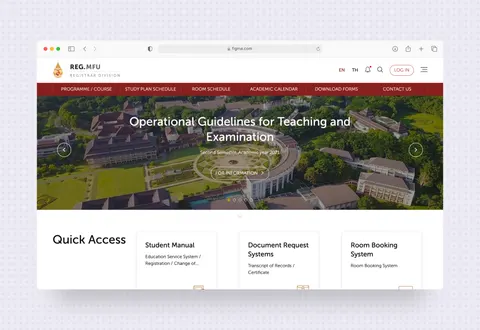 Mae Fah Luang Universitye-Registrar for University students
  2021Mae Fah Luang UniversityA University Statistics Dashboard
- 2022
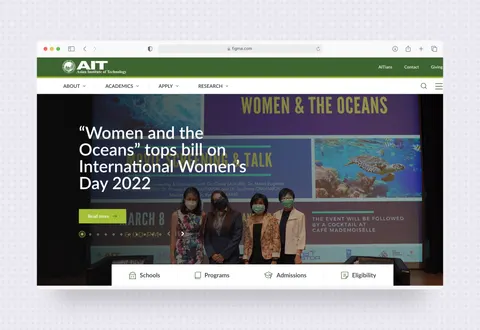 Asian Institute of TechnologyUniversity Website Redesign
 - 2025
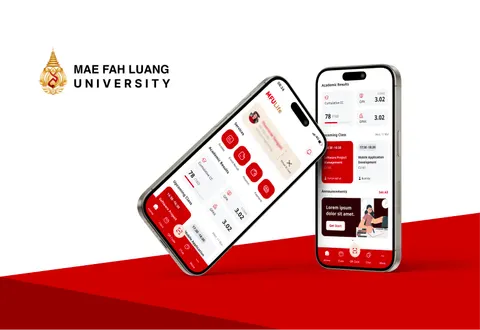 Mae Fah Luang University (Chiang Rai, Thailand)A Unified Mobile Access Layer for University Operations
 - 2026
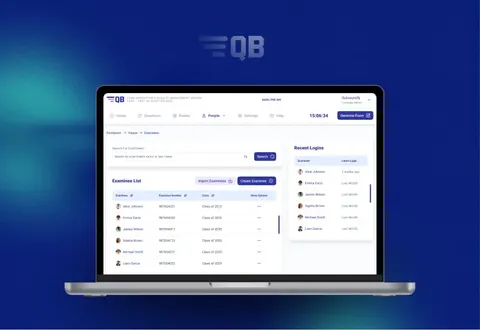 Total Training Support Ltd (UK)Multi-Tenant Exam Management Platform for Aviation TrainingYou are here
 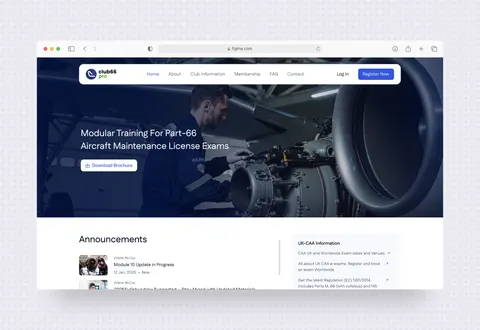 2026Total Training Support Ltd (UK)E-Learning & Membership Platform for Aircraft Maintenance Training
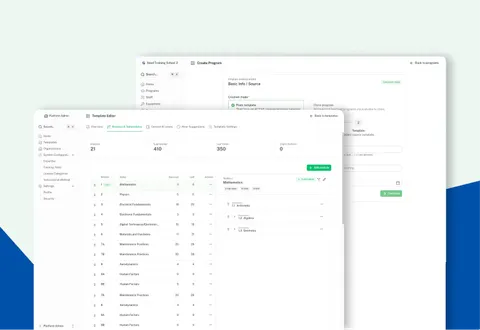 2026Total Training Support Ltd (UK)Training Program & Compliance SaaS for Aviation Maintenance Schools
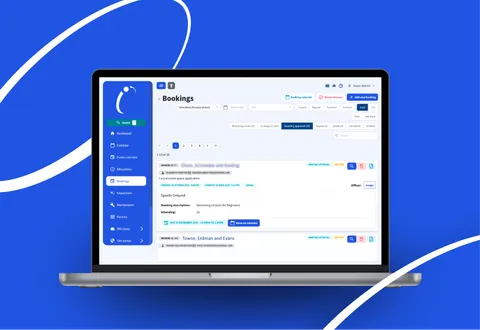 2026Australian govtech platformVenue Booking & Compliance SaaS for Local Governments
Contact us
Let’s find the right solution for your business.
We partner with product teams and founders to design, build, and ship software that lasts.
Talk to our team