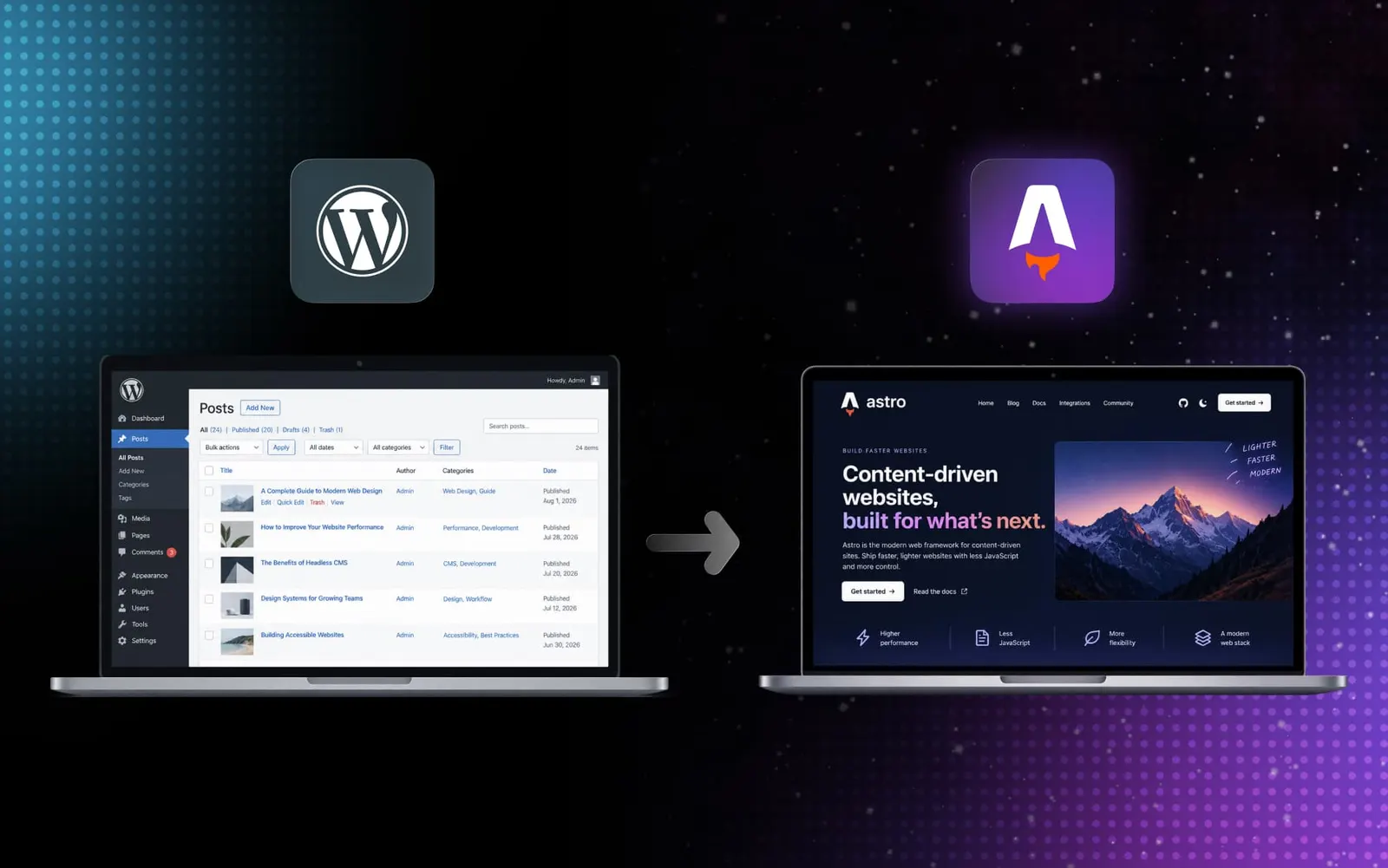
We recently moved outsourcify.net itself off WordPress and onto Astro — a decade-old site with hundreds of pages, custom fields, and a URL history we couldn’t afford to break. It’s the same move a lot of our clients are weighing, so instead of just writing about it in the abstract, we used our own site as the test case and documented the process we actually followed.
This isn’t a “install a plugin and export” guide. A real WordPress site — custom post types, ACF fields, taxonomies, galleries, a decade of inbound links — needs a process that assumes things will be more tangled than they look, and checks its own work before it lets you move forward.
Why leave WordPress at all
WordPress is a fine platform for what it’s built for: a database-backed CMS with a huge plugin ecosystem and a low barrier to entry. The friction shows up later — as a site grows, every plugin update is a small risk, every page render is a database round-trip, and content ends up spread across custom fields, shortcodes and theme templates in ways that only the person who built them fully understands.
Astro flips that: content lives in version-controlled files, pages are built once at deploy time instead of assembled on every request, and there’s no admin database to patch, back up or get compromised. For a content-heavy, marketing-facing site — ours, or a client’s — that trade almost always favors Astro. The catch is getting everything across safely, and that’s the part most migrations get wrong.
Never touch production first
Before anything else is installed, changed or exported, we take a full rollback copy of the WordPress site: database, wp-content/uploads/, the active theme (and any child theme), and every custom plugin in use. Nothing that follows should require going back to this, but the migration doesn’t start until it exists.
The WordPress source then gets isolated into its own workspace — theme and custom plugins included — so it can be inspected without any risk of accidentally writing to the live site.
Discovery before a single export
Every WordPress site has content structure that isn’t obvious from the admin screen: custom post types, taxonomies, ACF or meta fields, relationships between content types, gallery and media fields, the permalink structure, whatever SEO plugin owns the metadata, and any multilingual setup layered on top.
We run a discovery pass against the isolated source before touching production, and the output is a written report — not an assumption. It has to account for every content type, every taxonomy, every custom field, and every relationship between content before we consider it done. If something important comes back unknown, we don’t proceed on a guess; we go find out.
Export in stages, with a stop condition at every step
Once discovery is reviewed, we build export tooling that is read-only against production and scoped to exactly what that site needs — a temporary custom endpoint, authenticated with a dedicated Application Password rather than a shared admin login, never installed on production until it’s been validated elsewhere.
The export itself runs in stages, not as one big job: a health check first, then a small smoke export, then a dry run, and only then the full export. Each stage has an explicit stop condition — authentication failure, a missing content type, missing taxonomies, missing coordinates or relationships, malformed output, or the tool exposing anything it shouldn’t (private user data, for instance). Any of those means fixing the exporter, not pushing through.
Parity is the gate, not a formality
A successful export isn’t the finish line. Before any Astro code gets written, we check the export against the discovery report: every published item accounted for, every relevant page, every taxonomy term, every author actually used on published content, every relationship, every featured and gallery image, every original URL. Unexplained gaps at this stage stop the project — not because it’s bureaucratic, but because it’s far cheaper to fix a mapping error in a JSON report than to notice it’s missing after the new site is live.
Build, preview, and only then cut over
Only once parity holds do we start the Astro build itself — content collections that mirror the structure discovery found, URLs preserved by default rather than reinvented. Once it’s built, the new site gets compared against the live WordPress site page type by page type: home, recent and old content, media-heavy pages, listing and archive pages, author pages, any custom functionality like maps or galleries, mobile navigation, and the sitemap, feed, robots.txt, redirects and 404 handling.
Cutover — deployment and DNS — happens last, and only after a final re-export to catch anything published since the first pass, a final parity check, and confirmation that backups and rollback are still in place. After launch, we watch Search Console and 404 logs, then close the loop: revoke the temporary Application Password, delete the temporary export plugin, and restore anything that was relaxed for the migration.
What this looked like on our own site
Running this process on outsourcify.net meant carrying forward 88 case studies, dozens of guides and articles, 34 team profiles and more than a decade of client reviews, all with full English/Thai parity preserved rather than rebuilt from scratch. More than 860 legacy URLs now redirect automatically to their new home, so old links, bookmarks and search results still resolve correctly.
Nothing about that was guesswork. Every one of those numbers came out of the same discovery and parity reports this guide describes — run against our own content before a single page of the new site was built.
Thinking about the same move?
If your WordPress site has reached the point where every change feels riskier than it should, this is now something we offer as a dedicated migration service — the exact process above, run against your content. Get in touch and we’ll start with discovery, before anything else moves.